Download the WireGuard app
Visit the WireGuard website to download the most recent version of the application compatible with your operating system.
https://www.wireguard.com/install/
Install the application
Follow the instructions from the installation wizard.
Download your WireGuard Configuration file
Open your Welcome to Sorted FS email from your administrator, or from your Sorted Solution rep, and save the attached WireGuard Configuration zip file to your computer's Desktop, do not unzip the file.
Import your WireGuard Configuration file
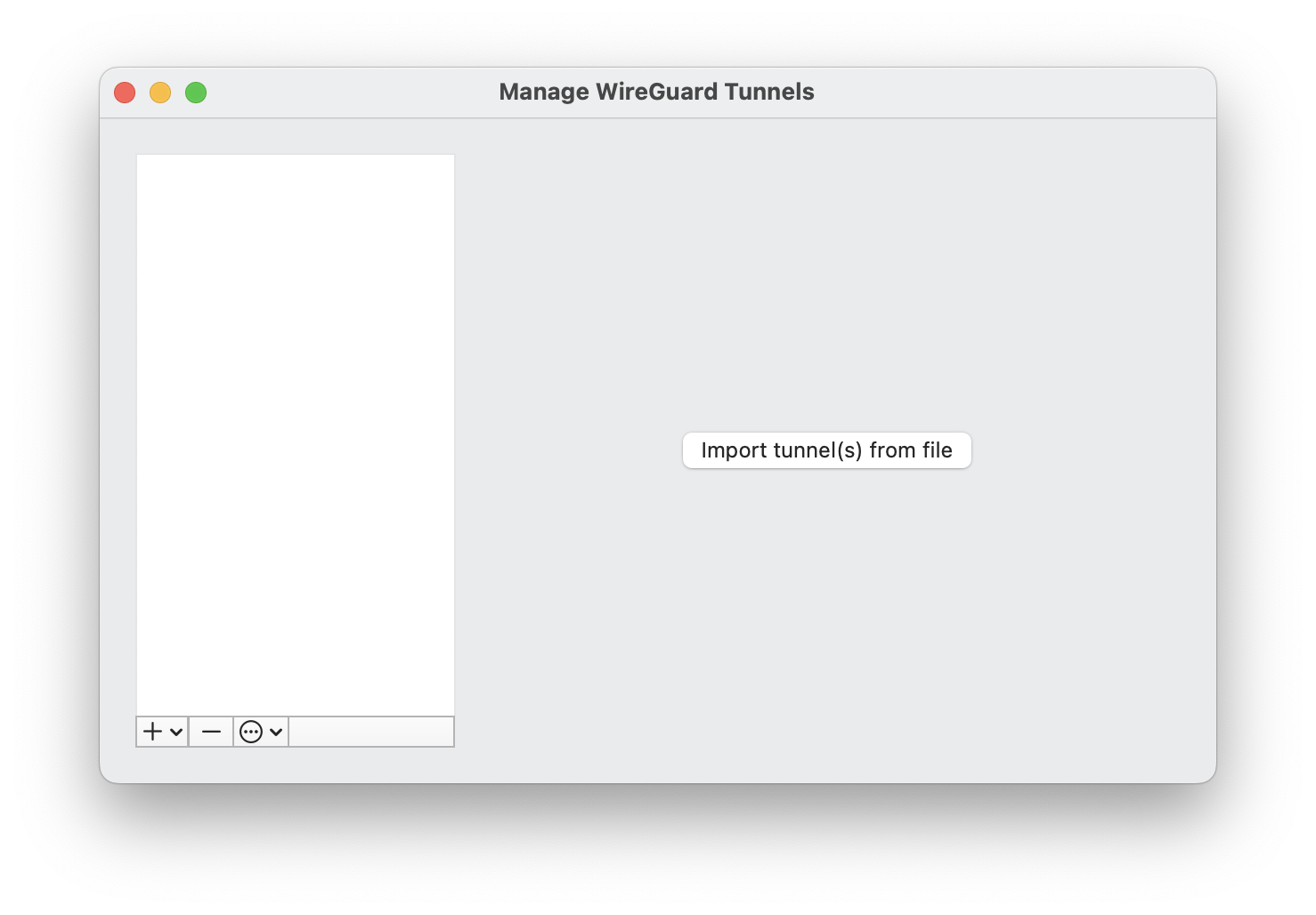
Open your WireGuard app and choose Import Tunnel(s) from file. Select your WireGuard Configuration zip file from the browsing window.
Activate your VPN tunnel
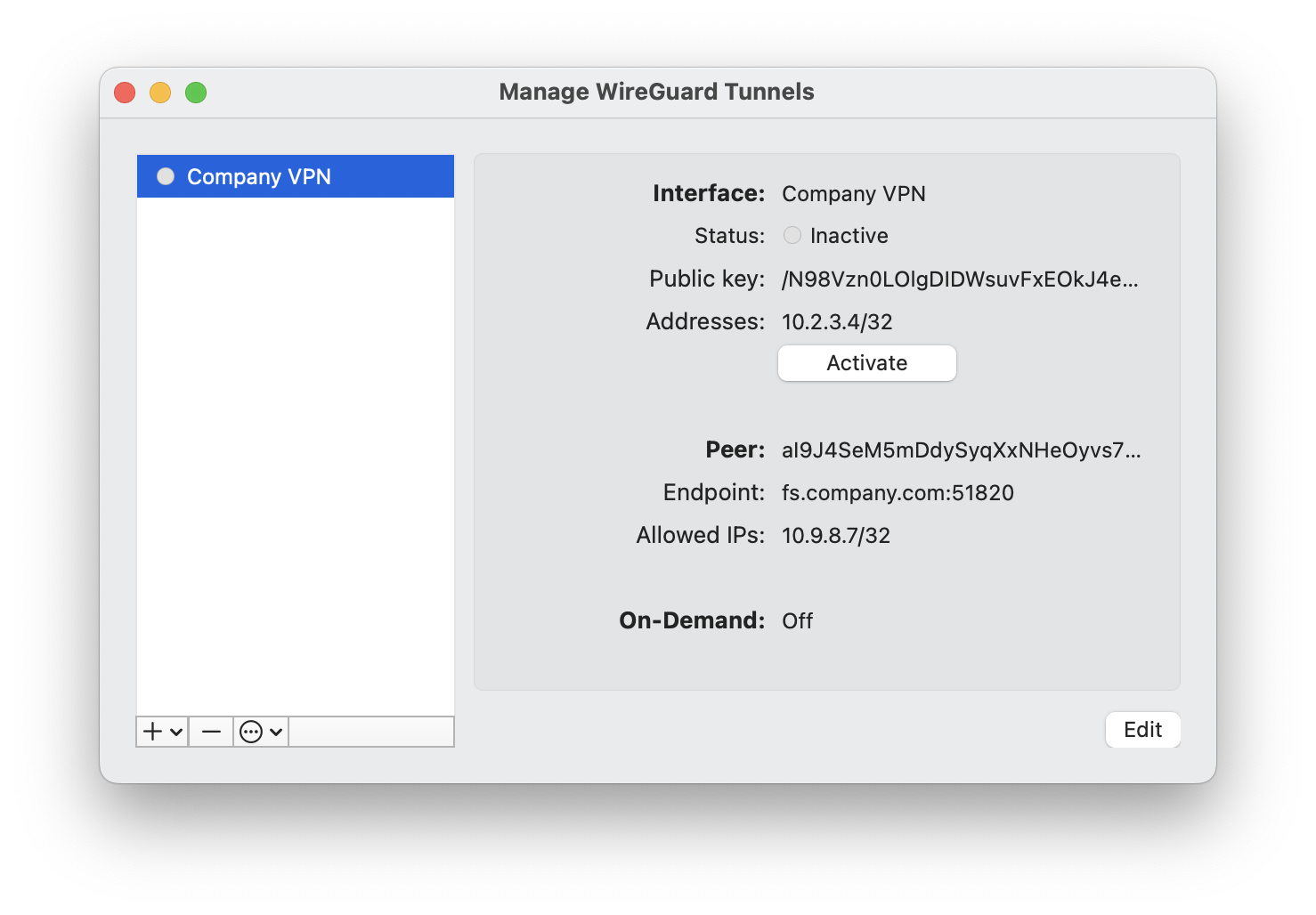
In the WireGuard app, select your newly imported WireGuard tunnel and click on the Activate button. You are now connected to the VPN.
Was this article helpful?
That’s Great!
Thank you for your feedback
Sorry! We couldn't be helpful
Thank you for your feedback
Feedback sent
We appreciate your effort and will try to fix the article